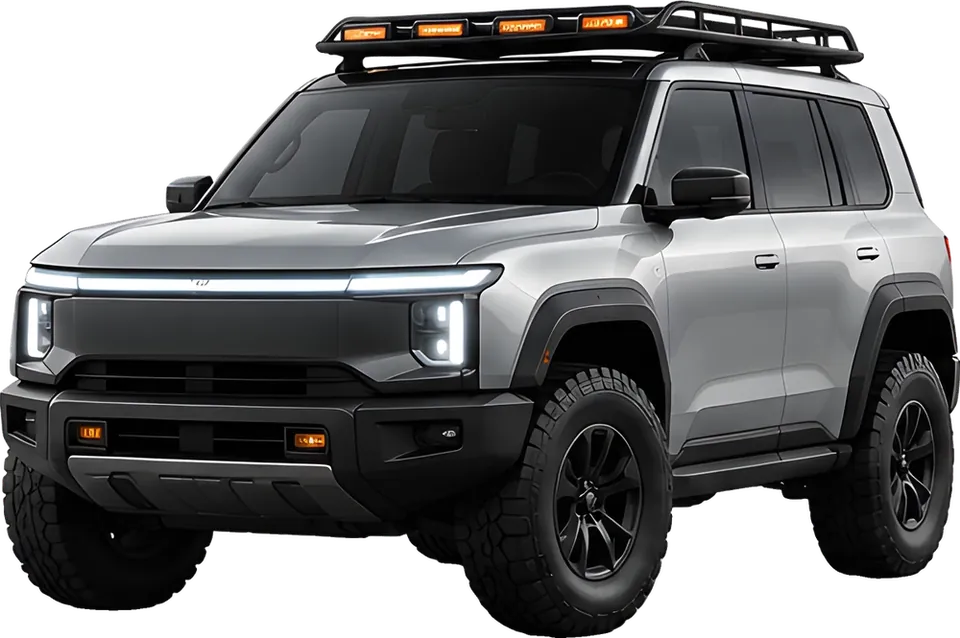
오토스케이프 콘셉트 SUV 이미지

데이터로 읽는내 차. Your car,in data.

시동을 걸면 주행을 기록하고, 시동을 끄면 주차한 곳과 층수를 남겨요. 정비 시점까지 미리 알려 드려요.

Start the car and your trip is recorded. Turn it off and your parking spot and floor are saved. It even tells you when maintenance is due.

블루투스만 연결하면,
매일 알아서.

Pair once.
It handles every day.

차에 타고 내리는 순간을 알아서 기록하고, 오늘 확인할 것만 보여 드려요.

AutoScape notices when you get in and out of the car, records it for you, and shows only what needs your attention today.

0km 이번 달 주행km this month

예시 화면Sample screen

자동 주행 기록Automatic trip log

차량 블루투스가 연결되면 주행 기록을 시작하고, 끊기면 멈춰요. 주행 거리와 경로, 주간 운전 리포트까지 알아서 쌓여요.

Recording starts when your car's Bluetooth connects and stops when it disconnects. Distance, routes and a weekly driving report build up on their own.
에어컨 필터최근 교체 후 1년Cabin air filter1 year since last changeD-9
엔진오일주행 기록 기준Engine oilBased on your drivingD-42
타이어 위치 교환내가 정한 주기Tire rotationYour own intervalD-118

예시 화면Sample screen

정비 예측Maintenance forecast

주행 기록과 입력한 누적 거리로 소모품 교체 시점을 계산하고, 정비 내역은 일지에 쌓여요. 교체 주기는 직접 바꿀 수 있어요.

Your driving history and the odometer readings you enter are used to estimate when parts are due, and service records build up in a log. You can change any interval yourself.

예시 그래프Sample graph

소음·진동 체크Noise & vibration check

스마트폰 마이크와 센서로 차의 소리와 떨림을 재서 3D 그래프로 보여 줘요. 같은 조건의 이전 측정과 비교도 돼요.

Your phone's microphone and sensors measure your car's sound and vibration and plot them as a 3D graph. Compare against earlier readings taken under the same conditions.

-3°밤사이 영하권이에요.Below freezing overnight.출발 전에 타이어 공기압을 확인하세요.Check your tire pressure before you head out.

예시 화면Sample screen

날씨 맞춤 관리Weather-aware care

기상청 예보를 읽고 기온과 계절에 맞는 차량 관리 팁을 알려 드려요.

Reads the Korea Meteorological Administration forecast and suggests car care tips for the temperature and season.

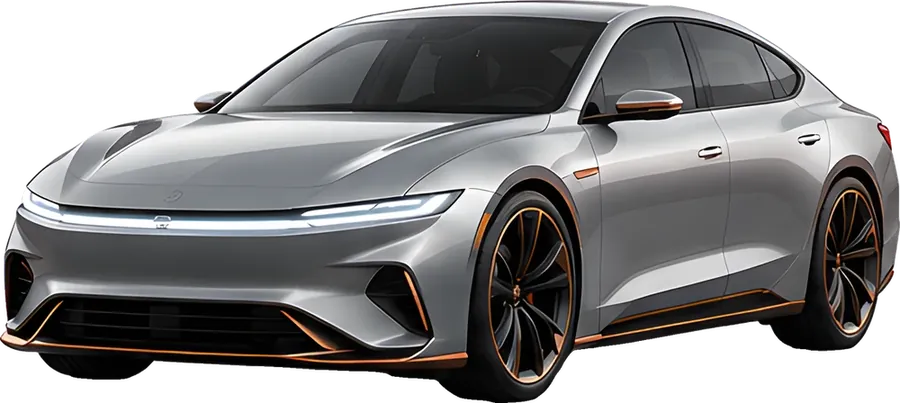
주차된 콘셉트 세단 이미지

주차 위치와 주행 기록Parking spot & trip log

시동을 끄면 주차한 곳과 층수(기압 센서로 추정)를 자동으로 남기고, 사진과 함께 지도 앱으로 바로 길을 찾아요. 지나간 길은 지도로 다시 보고, 한 주나 한 달 동안 달린 경로를 타임라인으로 재생해요. 주행 영상으로 만들어 저장할 수도 있어요.

When you turn the engine off, your parking spot and floor (estimated with the barometer) are saved automatically, and you can add a photo and get directions in your map app in one tap. Revisit past routes on the map and replay a week or a month of driving as a timeline. You can also turn a trip into a video and save it.

다크Dark
라이트Light
그래파이트Graphite
세이지Sage

내 방식대로Make it yours

홈 카드는 켜고 끄고 순서를 바꾸고, 테마는 7가지 중에 골라요. 기록은 파일로 백업해 두었다가 다시 설치해도 복원할 수 있어요.

Turn home cards on or off and reorder them, and pick from 7 themes. Back up your records to a file and restore them even after reinstalling.

세 번이면
시작돼요.
Three steps
to start.

  1. 설치Install

    앱을 설치하고 차종을 고르면 끝이에요. 회원가입이나 로그인은 필요 없어요.

    Install the app and pick your vehicle type. No sign-up or sign-in needed.

  2. 연결Pair

    주행 탭에서 내 차의 블루투스를 한 번 골라 두세요.

    In the Trips tab, choose your car's Bluetooth once.

  3. 출발Drive

    시동을 걸면 기록이 시작되고, 내리면 주차 위치가 남아요.

    Start the car and recording begins. Get out and your parking spot is saved.

내 차 기록은
이 휴대폰에만 저장돼요.
Your car's records
stays on your phone.

가입 없음No account

회원가입이나 로그인 없이 써요. 서버에 이용자 정보를 저장하지 않아요.

Use it without signing up or signing in. We keep no user information on our servers.

위치Location

주차 위치와 주행 경로는 휴대폰에만 남고 서버로 보내지 않아요. 언제든 앱에서 한 번에 지울 수 있어요.

Parking spots and routes stay on your phone and are never sent to a server. You can erase them all at once in the app at any time.

소리Sound

소음 측정은 녹음 파일을 남기지 않고 휴대폰 안에서 주파수로만 분석해요.

Noise checks never save a recording. Sound is only analyzed into frequencies on your phone.

백업Backup

백업 파일은 직접 고른 위치에 저장되고, 로그인 정보는 들어가지 않아요.

Backup files are saved wherever you choose and never include your sign-in details.

안드로이드 앱,
출시 준비 중이에요.
Android app,
coming soon.

출시되면 이 페이지에서 알려 드릴게요. 문의는 help@ev7lab.com으로 받아요.

We'll announce the launch on this page. For questions, write to help@ev7lab.com.